
For members
Cancel a booking
Cancel a court within your club's free-cancellation window, and how to change a time.
Find the booking under Home → Next on court or Account → My bookings, then open it.
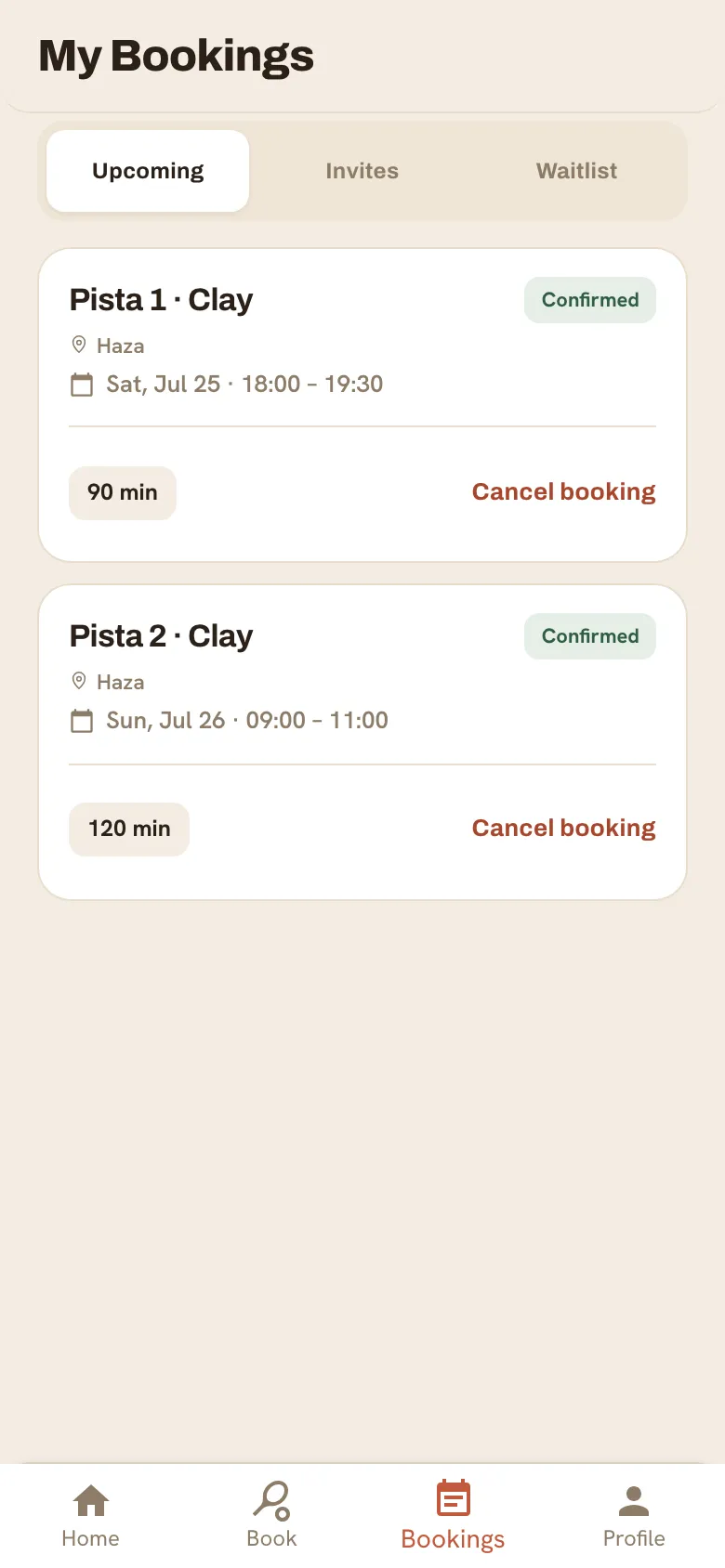
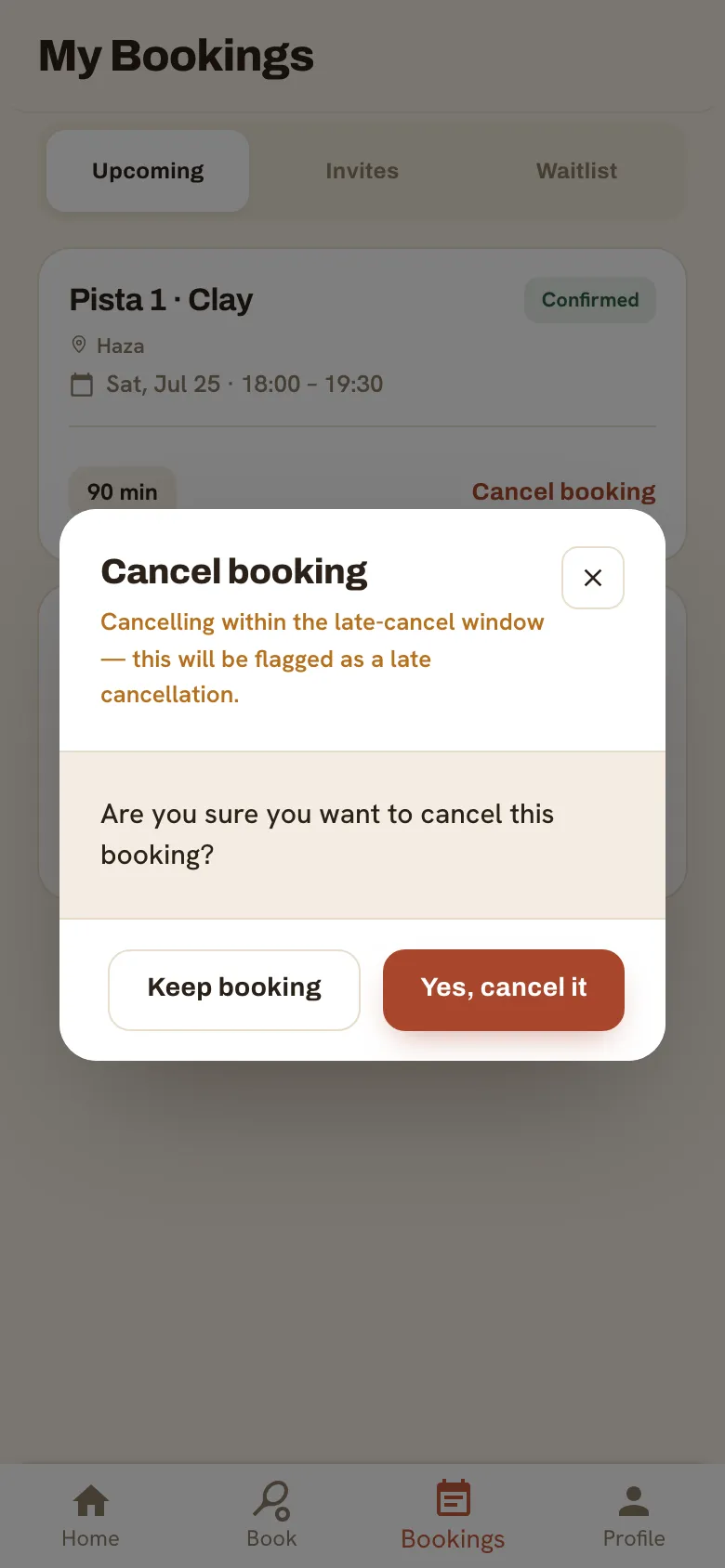
- Tap Cancel booking and confirm.
- If a court cost was charged to your credit, it’s returned when you cancel within the free-cancellation window.
Still need a hand?
Can't find what you're looking for? Our team is happy to help.