
Everyone
Find your way around the app
What lives in Home, Book, Bookings, and your Profile.
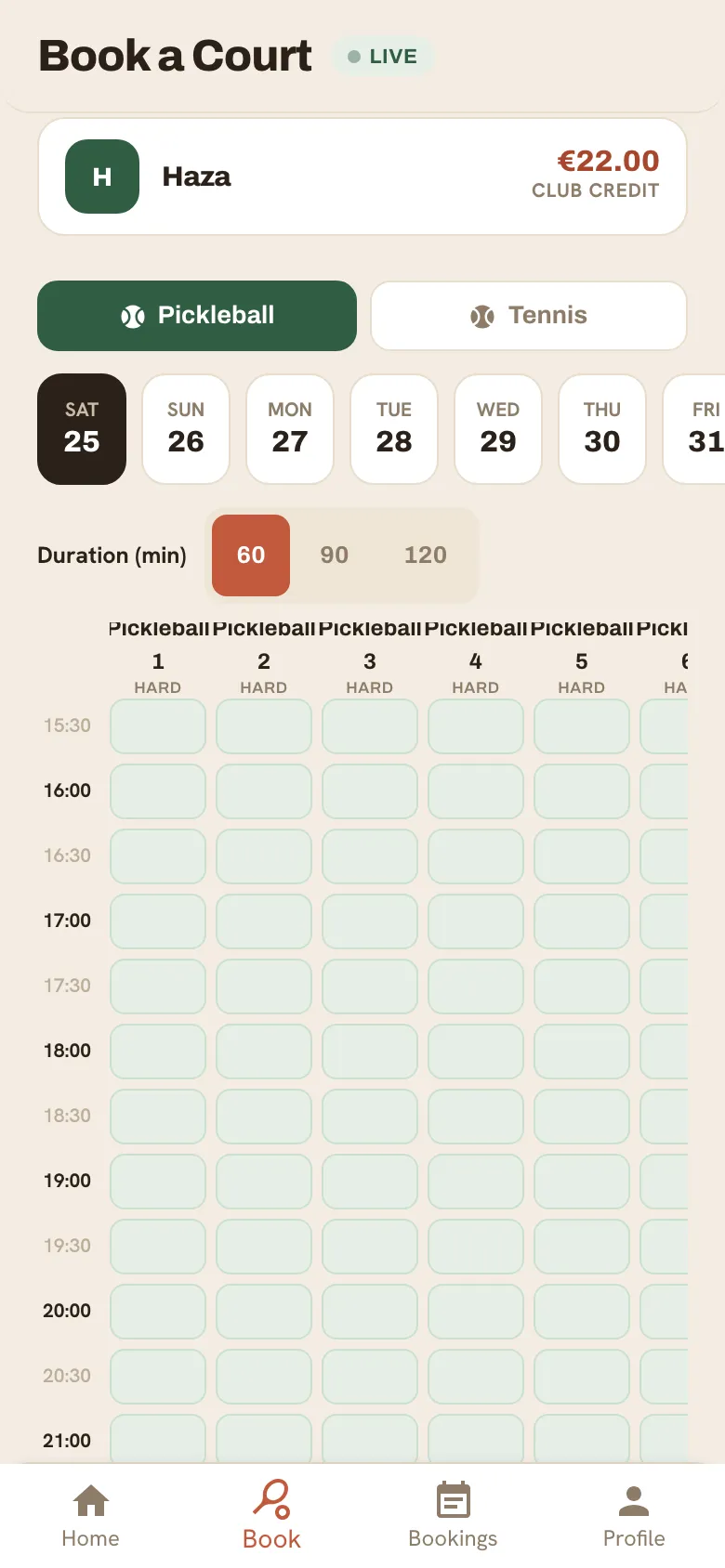
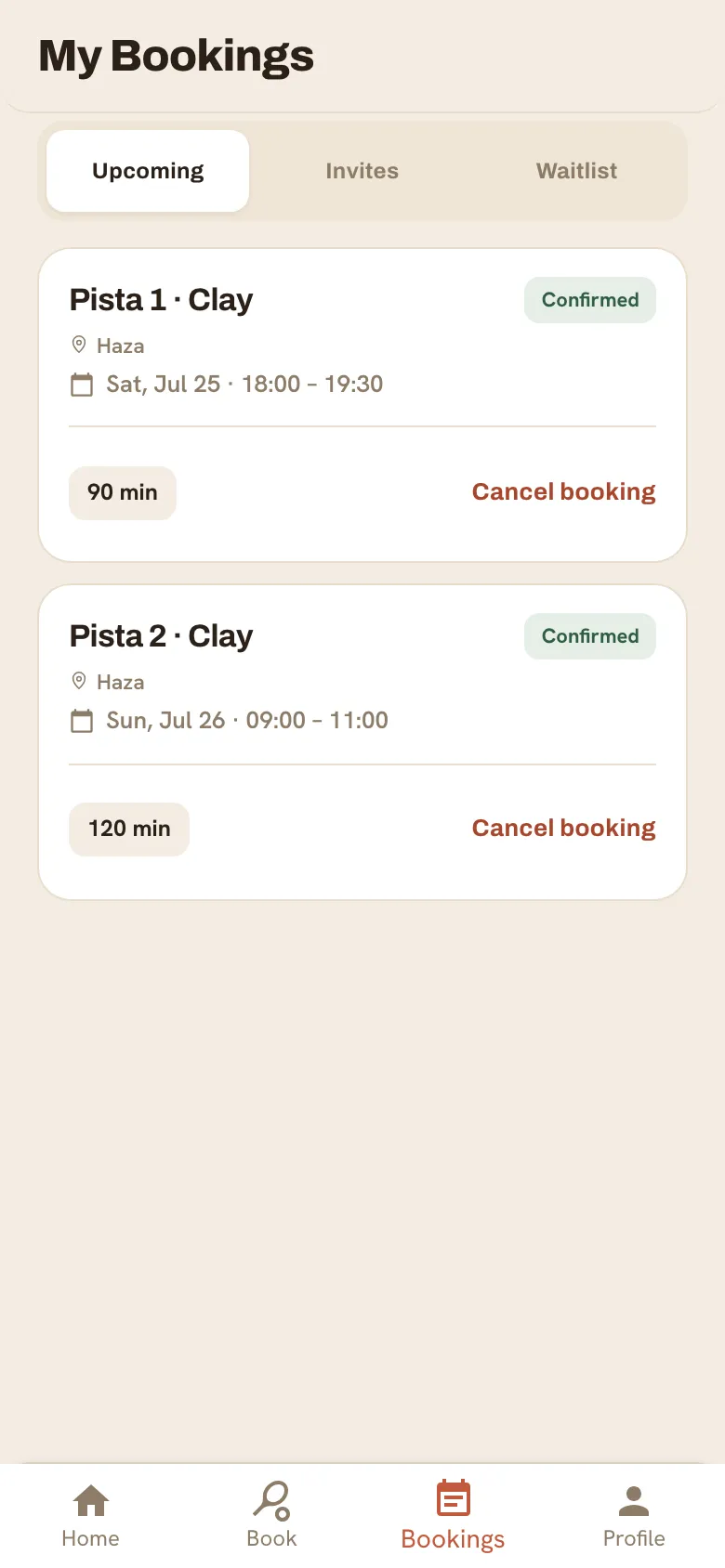
The bottom tab bar has everything you need:
- Home — your next booking, anything that needs your attention, and quick actions.
- Book — the court grid where you pick a day, court and time.
- Bookings — your upcoming and past reservations, plus any split invites to confirm.
- Profile — your account, club memberships, club credit and settings.
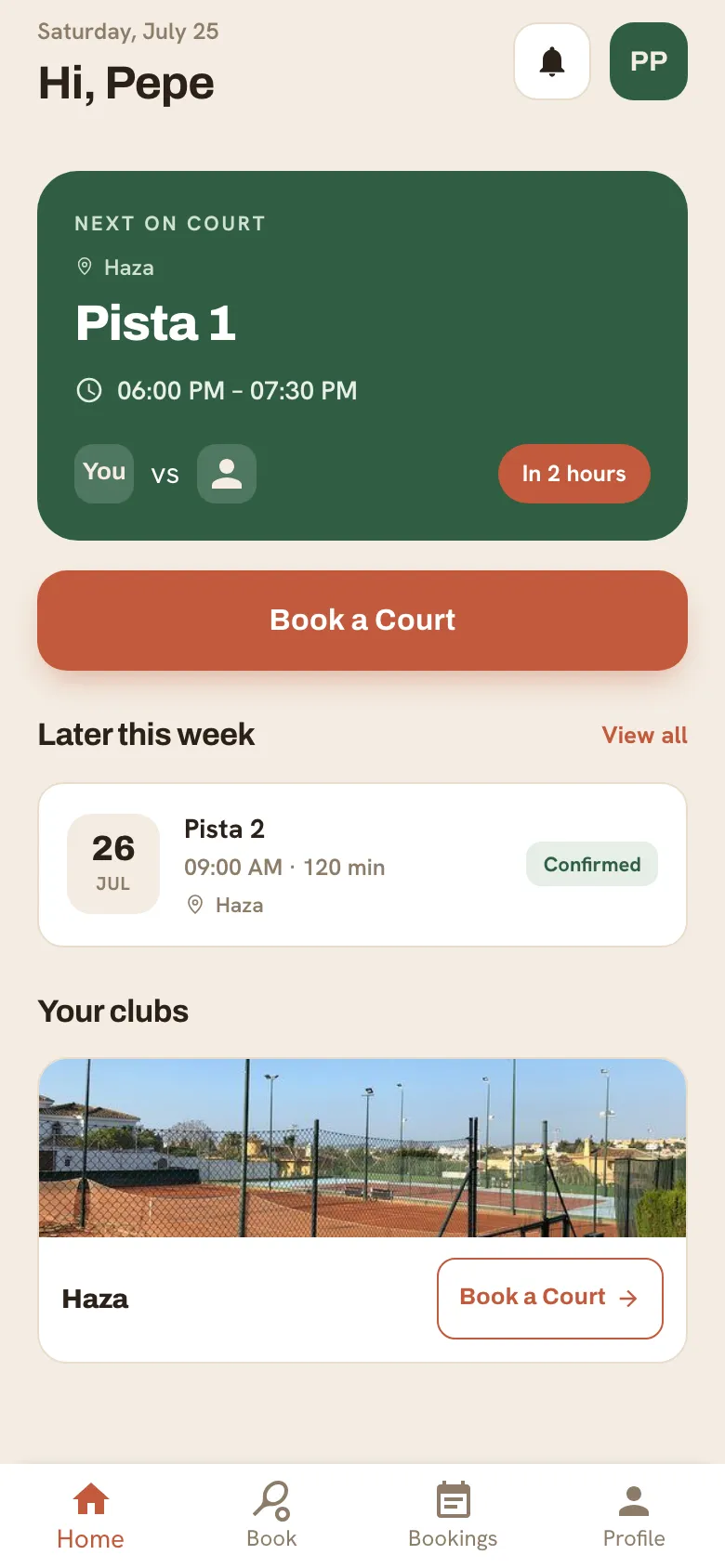
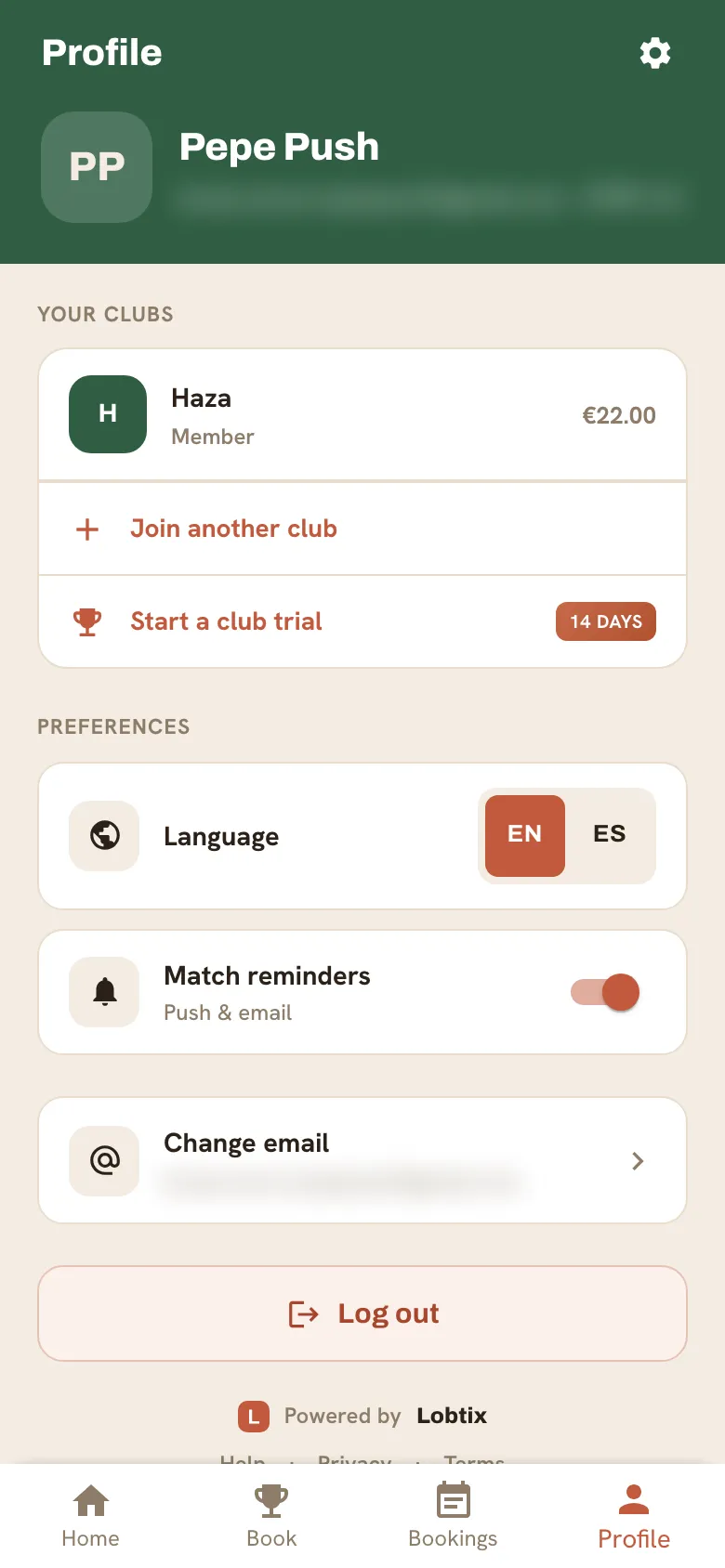
The bell at the top opens your notifications. If you’re a club admin, open your Profile to switch into the admin console.
Still need a hand?
Can't find what you're looking for? Our team is happy to help.