
For admins
Add courts & set opening hours
Create courts, set surfaces, and define when each is bookable.
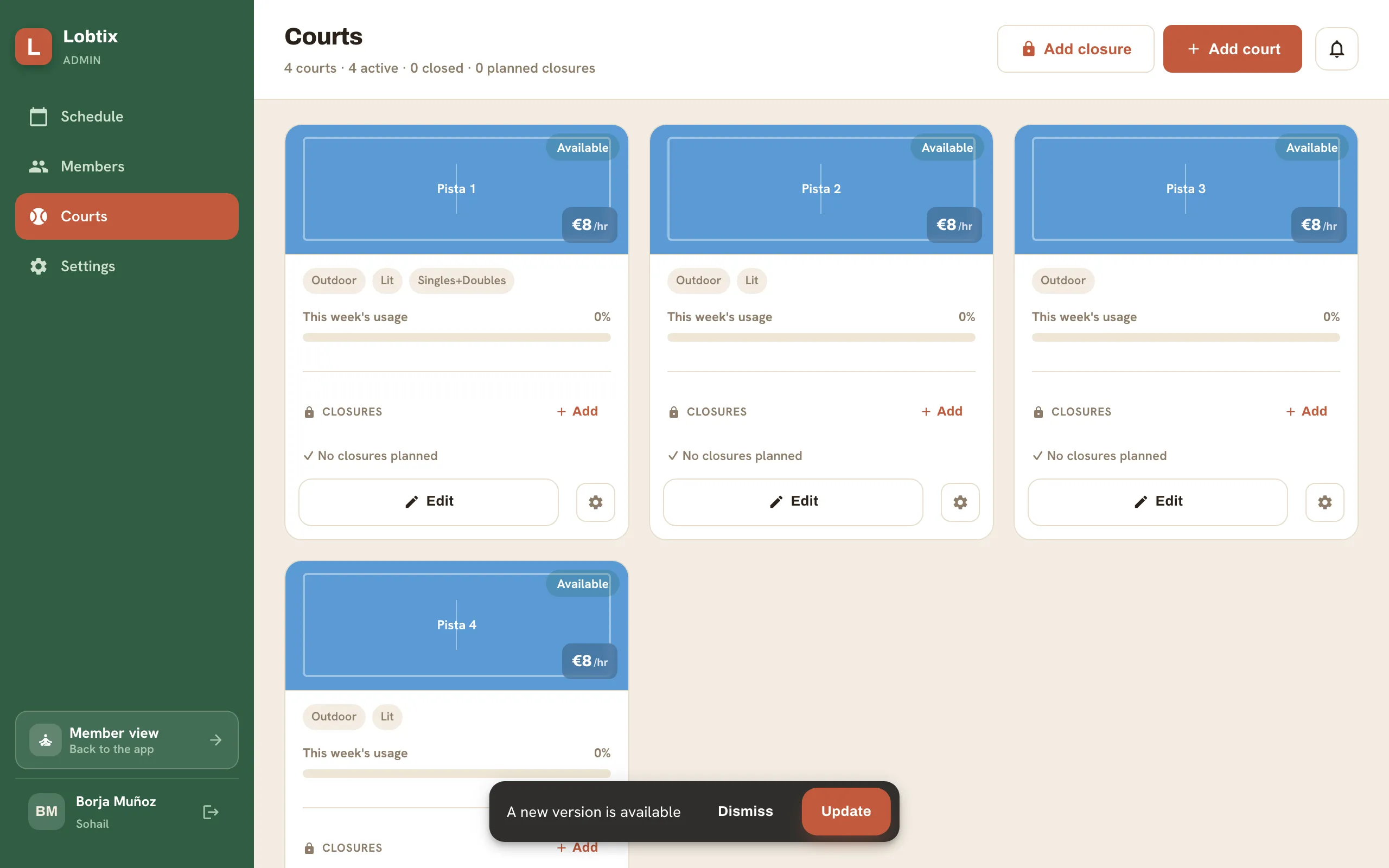
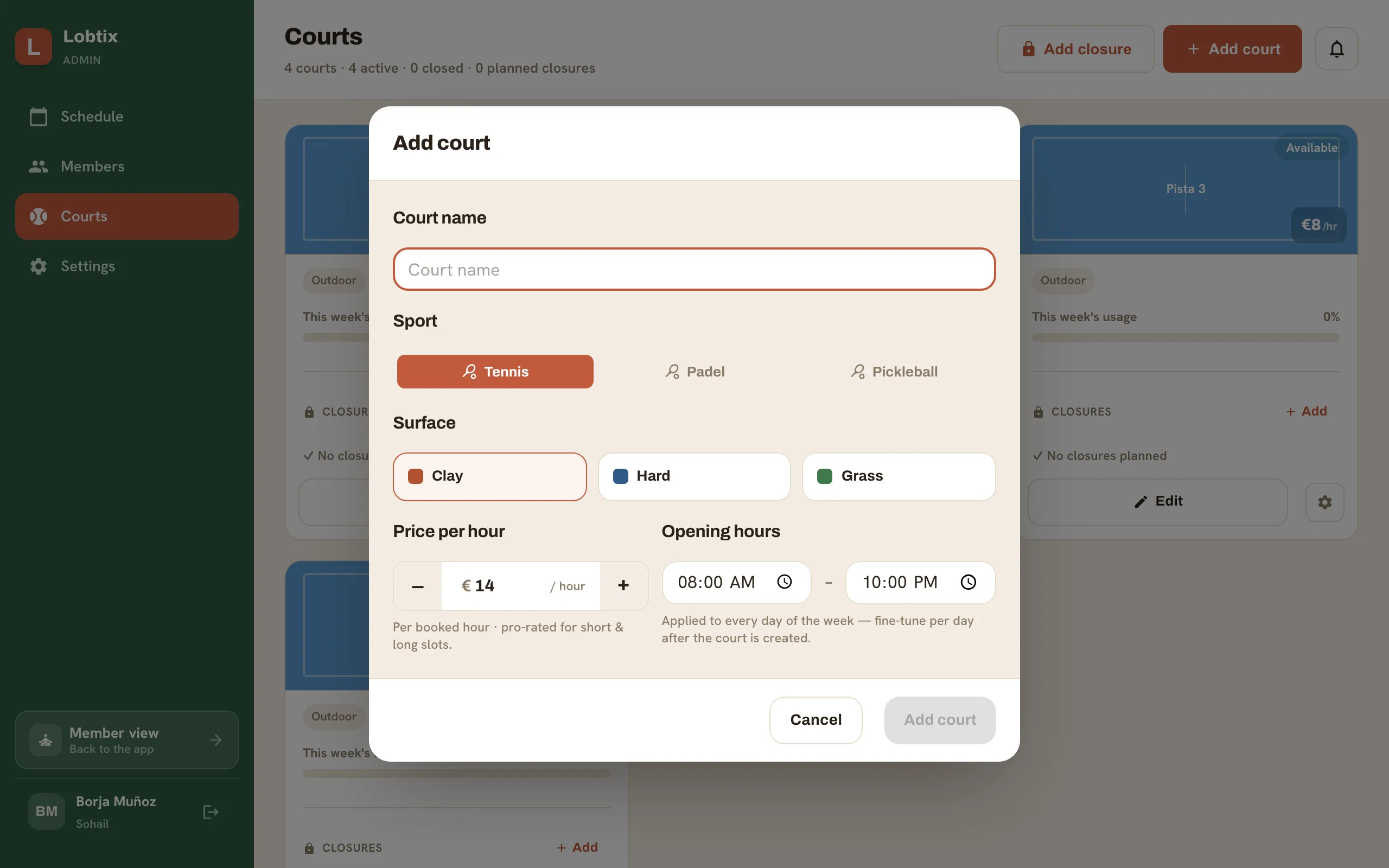
- Go to Admin → Courts → Add court.
- Name the court and choose its surface.
- Set opening hours per day. Slots outside these hours show as closed (hatched) to members.
- Add a maintenance block any time to take a court offline for a period.
Still need a hand?
Can't find what you're looking for? Our team is happy to help.